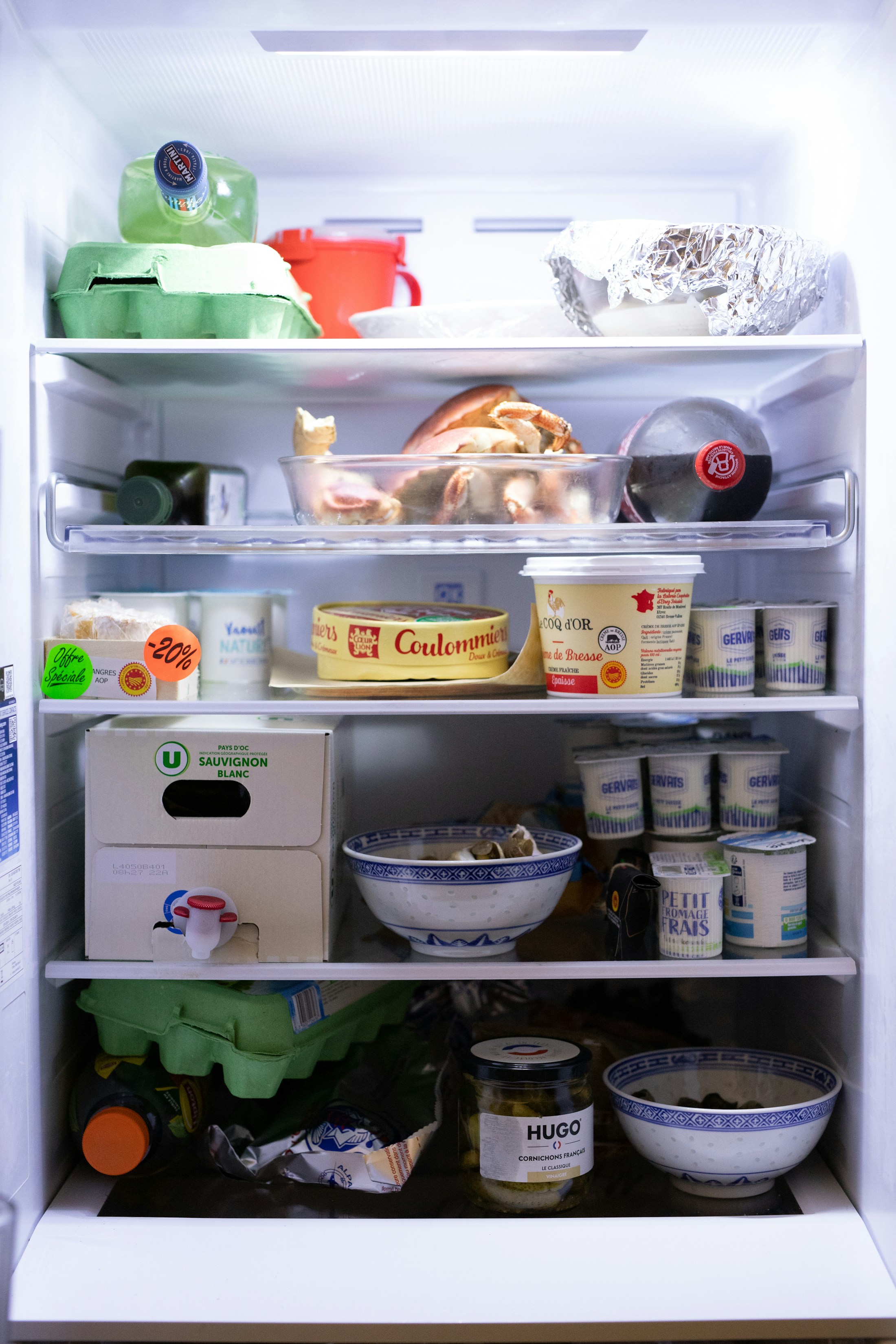
A full fridge, but no idea what to cook
Vegetables are wilting, rice is left over, and frozen food could make a meal. Keeping track of it all takes effort.
Your AI kitchen assistant
Open your fridge with dinner already figured out. Get a practical meal plan that brings together food to use soon, leftovers, quick meals, seasonings, and recipes.
Cooking is only part of the work
Recipe apps explain how to cook a dish. Fridge Manager starts with what makes sense to eat from your kitchen today.
Vegetables are wilting, rice is left over, and frozen food could make a meal. Keeping track of it all takes effort.
Missing steps, unclear quantities, vague heat settings, or an overnight marinade you discover too late.
Work out what you can cook at home before deciding what you actually need to buy.
Today's plan
Use food that needs eating first, spot meals you can simply reheat or steam, and shop only for the missing ingredients.
Dinner for one
Use first
2 items on hand
Shopping
Buy just 1 item
Cooking
3 steps
Keep track of food and its condition
Your food inventory helps shape each recommendation, so there is less for you to keep track of.
Identify fresh food, cooked food, leftovers, frozen meals, and seasonings, keeping condiments separate from dishes.
Fill in ingredients, steps, heat settings, and waiting times. Unusual calorie estimates are checked again.
Return leftovers to your inventory and use them in your next meal: reheat, mix with rice, or add greens and protein.
Miss breakfast? It is marked as skipped without using up inventory. Restore it with one tap when you are ready.
3 steps · 18 min · Use what you have
Gather all ingredients, sides, and seasonings for the meal.
Start longer dishes first and fit quick dishes around them.
Mark a meal as finished, record eating out, or save leftovers.
Kitchen mode
Combine multiple dishes into one cooking sequence. Recipes that need overnight marinating, soaking, or chilling are flagged before you start.
Check whether you can start now
Update inventory after your meal
Fridge Manager
Add your food, serving count, preferences, and equipment to get a practical plan for your next meal.